How to Send notifications Without Managing FCM or APNs Infrastructure
You can send notifications without Firebase as the system you operate. Keep the permission prompt. Hand the token, the audience, and the delivery to one API.
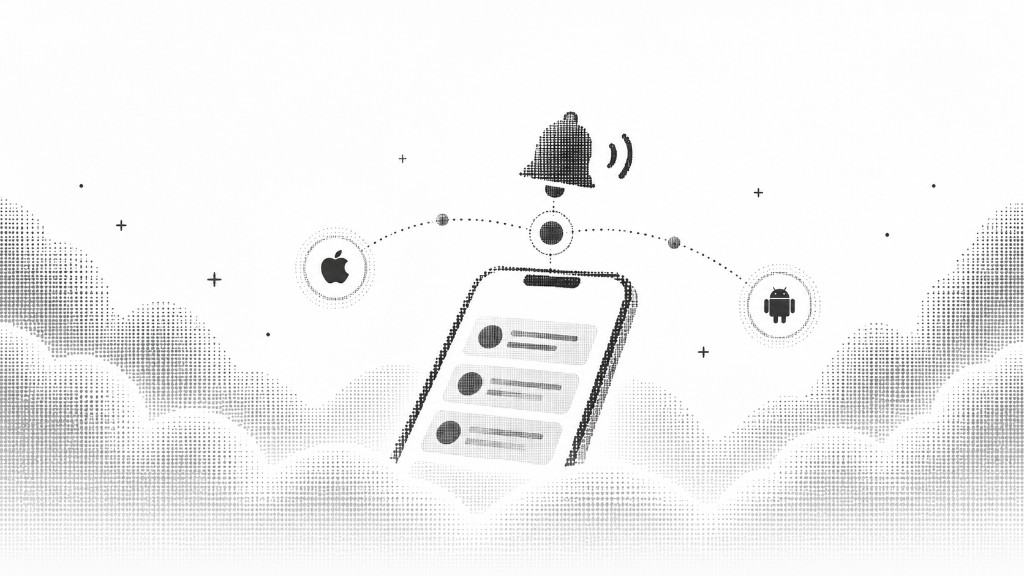
The work Firebase usually becomes
notifications without Firebase sounds like skipping a dependency. The real goal is smaller. You stop running a Firebase project, a server credential, a token table, and a worker that fans a message out and retries it.
FCM is a delivery network. It is also, in most apps, an operations surface: project per environment, a key that can send, tokens that expire, and errors that never reach the person who pressed send.
What you can stop operating
Notifiable prepares Android delivery from the package name. You do not create the Firebase project, attach billing, or hold the sender credential. Web Push keys are generated with the app. The subscriber row holds the token. A notification records delivered, failed, or skipped for each person.
The app still receives a token. GET /api/v1/sdk/client-config returns Firebase client options after the package name is ready. The app initializes with those options and saves the token with provider set to fcm. iOS is the honest exception. Apple is connected once for the workspace, then each app reuses that connection with its bundle ID.
The key that registers is not the key that sends
The app saves the device with a public key. That key starts with ntf_pub_ and cannot send. A server API key sends. The split is the point. A key that ships inside the app should not be able to message every subscriber.
await fetch('/api/v1/sdk/subscribers', {
  method: 'POST',
  headers: {
    'X-Notifiable-Key': publicKey,
    Accept: 'application/json',
    'Content-Type': 'application/json',
  },
  body: JSON.stringify({
    device_id: deviceId,
    platform: 'android',
    sdk: 'kotlin',
    permission: 'granted',
    provider: 'fcm',
    token: pushToken,
  }),
});
Send without your own fan-out
From the dashboard, compose the title and the message, choose the audience, and send or schedule. From your server, the same notification is one request with a server API key. Intent is send, or schedule with a time and a timezone strategy.
You do not loop the token table. You do not translate an FCM error and an APNs error into two log lines. The outcome is already on the notification.
What stays in your app
The permission prompt stays. The device id stays. The decision to send stays. notifications without Firebase means the infrastructure moves. The product judgment does not.
If a message would have been annoying from your own worker, it is still annoying from a platform. Send it to the people who can receive it, and only when it helps.
Where this lives in Notifiable
The same product is documented in the dashboard guides. Subscribers hold the device. Notifications are the send. The public beta is the current release.
Share with friends
Send this guide to someone building notifications.